Compare plan and actual · Google Sheets

Monthly Budget Template

Compare your category budgets with actual spending. Account for refunds and see what remains in your monthly plan.

Free · personal use

Free for personal use. No payment or email required. Copy directly to Google Sheets, or import the downloaded .xlsx file into Google Sheets. Desktop Google Sheets is the supported editor.

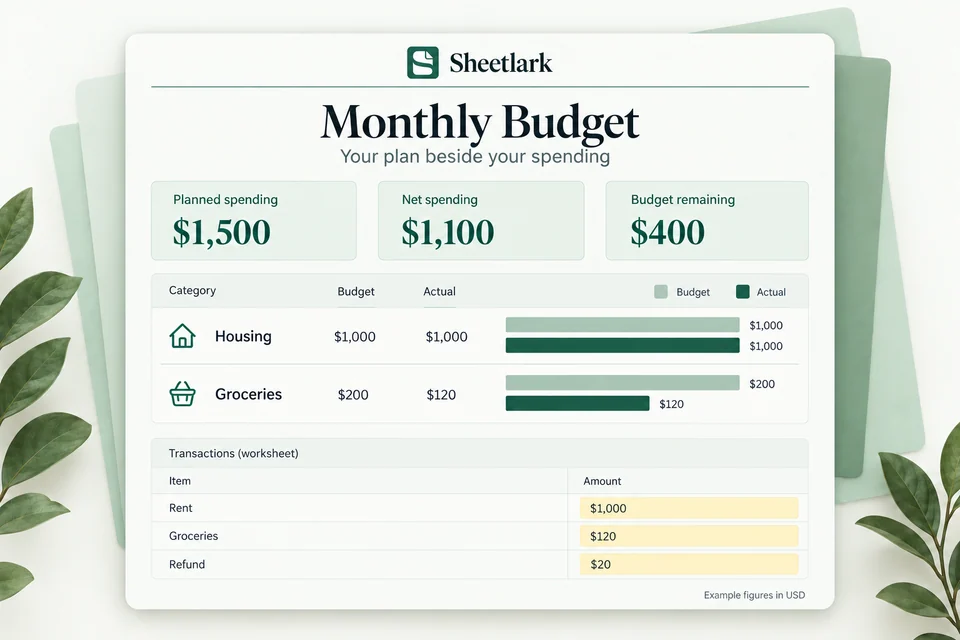
Monthly Budget product illustration: $1,500 planned spending, $1,100 net spending and $400 budget remaining.
Product illustration · example figures. Try the interactive example ↗
Try the example first ↗
Best for
For a monthly view of personal or household income, budgets and transactions.
Includes
One workbook · 6 tabs, including setup guidance and practice examples.
Capacity
500 transactions · 13 spending categories
You’ll need
A Google account and desktop Google Sheets. Enter your numbers manually.

Manual entry with fixed category choices. Refunds reduce expenses; transfers do not count as spending. Desktop Google Sheets is the supported format.

Compare your plan with your spending

1500 dollars planned, 1100 dollars net spending, and 400 dollars remaining.
Example figures. Your results depend on the numbers you enter.

In this example, the monthly spending plan totals $1,500. Recorded transactions include $1,000 in rent, $120 in groceries and a $20 refund. Net spending is $1,100, leaving $400 in the plan.

Monthly spending summaryAmount
Planned spending$1,500
Net spending$1,100
Budget remaining$400

A $500 transfer between accounts does not count toward spending. The example also records $2,000 in income, shown separately from the comparison between your spending plan and actual spending.

Use your own category budgets and transactions to see where you are within your plan. The example uses fictional data, and the workbook relies on the entries you add.

User feedback

Selected user feedback

Feedback about this template.

User review

Monthly Budget

I've never been great at keeping a budget, but this spreadsheet makes it surprisingly simple. I can see all my expenses in one place without spending hours organizing things. It's become part of my monthly routine.

Brian AndersonHigh School Teacher

User review

Monthly Budget

I've tried budgeting apps, but I always end up coming back to spreadsheets. This one has everything organized without feeling overwhelming. I especially love having a clear overview of my income and expenses.

Stephanie CollinsHuman Resources Specialist

User review

Monthly Budget

Really happy with how straightforward this template is. I wanted something that would help me manage my money without having to learn a complicated system. It does exactly that, and it looks great too.

Andrew PhillipsAccount Executive

User review

Monthly Budget

This is probably the easiest budget spreadsheet I've used. Everything makes sense, and I don't have to spend forever updating it. It's nice to finally have a budget that feels realistic for everyday life.

Hannah PetersonPreschool Teacher

User review

Monthly Budget

I wanted something simple to help me organize my household finances, and this has been perfect for that. I can easily see what we're spending and where we might need to cut back. No complicated setup required.

Kayla RichardsonOffice Administrator

One workbook, a clear routine

What’s inside.

One Google Sheets workbook with 6 tabs for setup, practice and your everyday plan.

Your workbook tabs

Get started

  • Start Here
  • Example
  • Quick Start

Plan & record

  • Transactions

Review your results

  • Dashboard
  • Overview

What you can do

  • Compare category budget and actual

  • Keep refunds separate from new spending

  • Spot over-budget categories

Who it’s for
For a monthly view of personal or household income, budgets and transactions.
Planning capacity
Up to 500 transactions and 13 preset spending categories; archive a copy when full.
Before you begin
Use a Google account and desktop browser to create your copy. Try Example, then fill the yellow cells. No bank connection or script authorization is needed.

How to use your template.

01

Create your copy

Choose the free copy link and save the workbook in your own Google Drive.

02

Try the example

Change a yellow input. Practice is separate from your own financial plan.

03

Fill the yellow cells

Follow Start Here, add your own inputs, and review Dashboard.

Before you choose

A clearer plan starts with the right fit.

For a monthly view of personal or household income, budgets and transactions.

Monthly Budget

Free · personal use

Manual entry with fixed category choices. Refunds reduce expenses; transfers do not count as spending. Desktop Google Sheets is the supported format.

Free for personal use. No payment or email required. Copy directly to Google Sheets, or import the downloaded .xlsx file into Google Sheets. Desktop Google Sheets is the supported editor.

Setup help ↗

A few things
to know.

Is this template free?

Yes. Get a free Google Sheets copy or download the workbook for personal use. No payment or email is required.

Which format is supported?

Google Sheets for desktop use. A Google account is required to create your own copy. Excel is not an available delivery format.

Can I use it on my phone?

You can browse and try the website examples on your phone. Use Google Sheets in a desktop browser to set up and edit your workbook.

Does it connect to my bank or require a script?

No bank connection, automatic bank import, add-on or Apps Script permission is required. Enter your own numbers in your own workbook copy.

What is included?

One Google Sheets workbook with setup guidance and practice examples included as tabs. A downloadable workbook is also available for importing into Google Sheets.

What can I edit?

Use the yellow input cells and follow Start Here. Leave formula cells intact. Transaction categories are preset. Inserting extra rows does not expand the supported capacity.

How much can I track?

Up to 500 transactions and 13 preset spending categories; archive a copy when full.

Is this a subscription?

No. The current workbook is free for personal use.

How do I create my copy?

Choose Get free Google Sheets copy. Sign in to Google, then choose Make a copy to save it to your own Drive.

Where can I find setup help?

See Help for copying, importing and getting started. These free workbooks do not require a payment.

More personal finance templates.

Browse all templates ↗
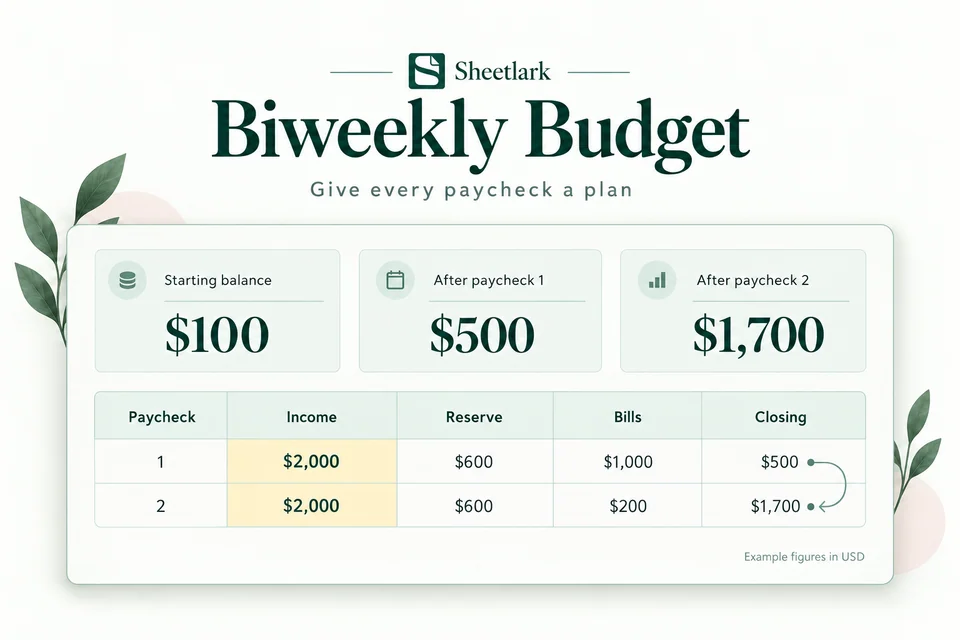
Biweekly Budget product illustration: $100 starting balance carries into projected balances of $500 and $1,700.

Give every paycheck a plan

Biweekly Budget

Know which paycheck covers each bill. Reserve everyday spending and spot a projected shortfall before your next biweekly payday.

Google Sheets · best on desktopFree · personal use
Get the free template
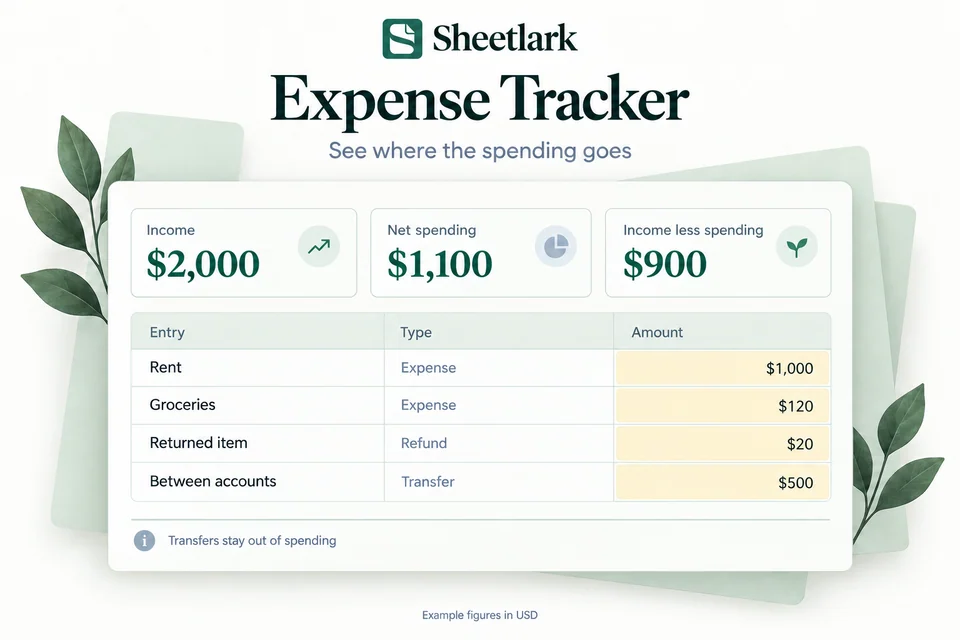
Expense Tracker product illustration with separate expenses, refunds and transfers; net spending is $1,100.

Understand everyday spending

Expense Tracker

Record everyday transactions, see spending by category, and follow your month-to-date spending without counting transfers twice.

Google Sheets · best on desktopFree · personal use
Get the free template
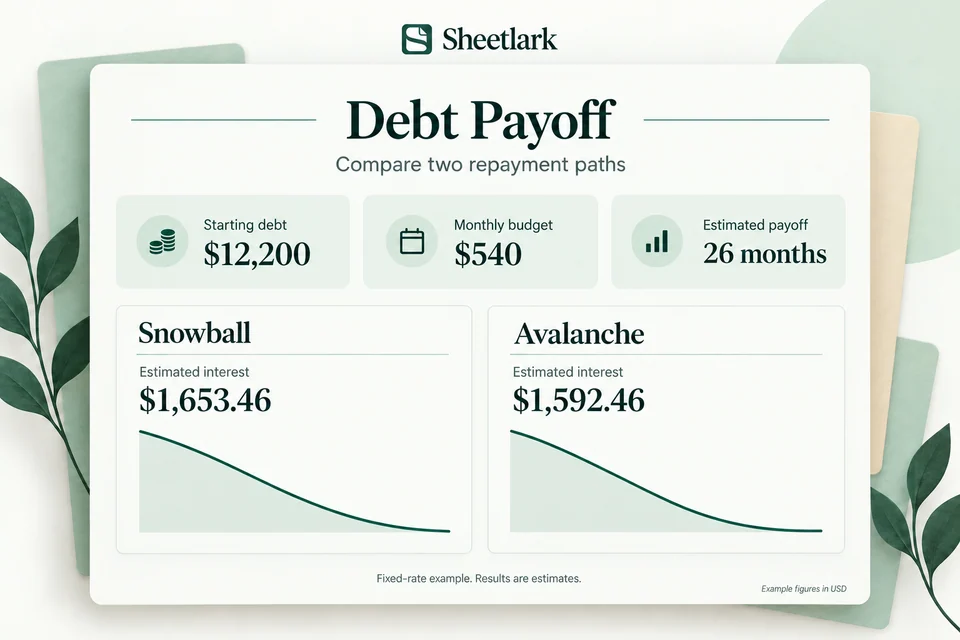
Debt Payoff product illustration comparing snowball and avalanche estimates with a $540 monthly payment budget.

Explore a repayment path

Debt Payoff

Compare snowball and avalanche payment priorities. Explore estimated payoff time, estimated interest and how extra payments change the balance curve.

Google Sheets · best on desktopFree · personal use
Get the free template

Sample preview

Your privacy choices

Your privacy preference is saved on this device. Choose whether to allow optional analytics.