
Google Sheets guides
for everyday money.
Choose a template, follow a worked example, and understand what the numbers mean before entering your own.
The examples use fictional figures. Sheetlark workbooks are free for personal use and support desktop Google Sheets.
A little guidance to get started.
Follow a practical example, one step at a time.
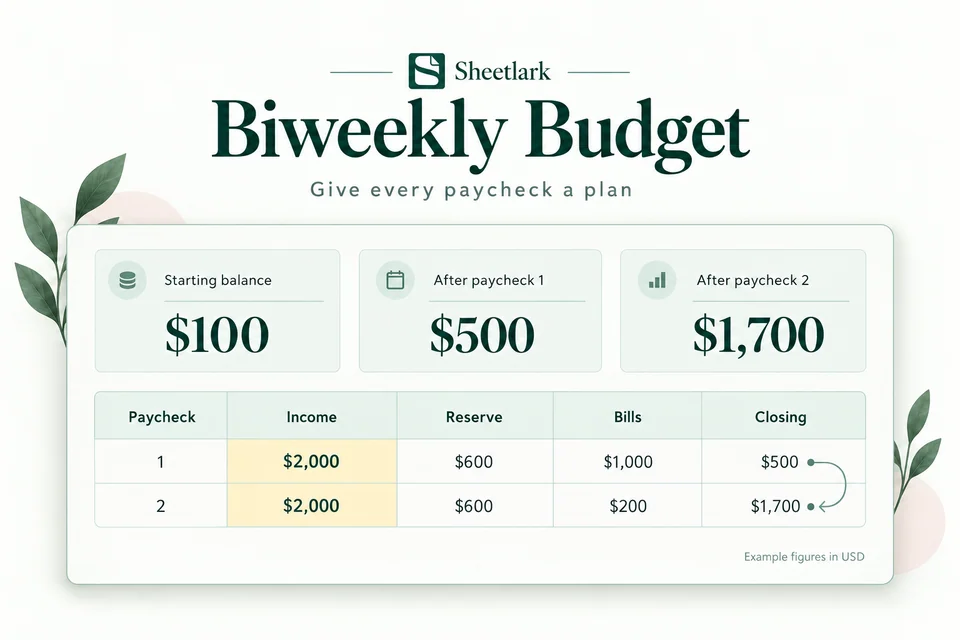
How to Budget When You Get Paid Every Two Weeks
Plan bills between paydays, reserve everyday spending, and check what carries into your next paycheck.
Read the guide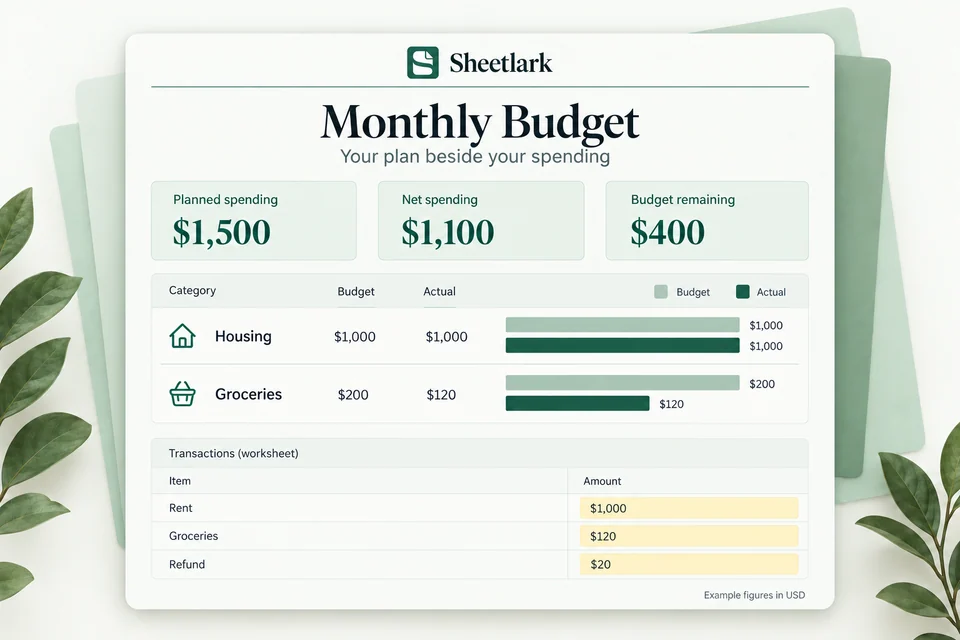
How to Use a Monthly Budget Template in Google Sheets
Set category budgets, record transactions, and compare planned spending with actual spending.
Read the guide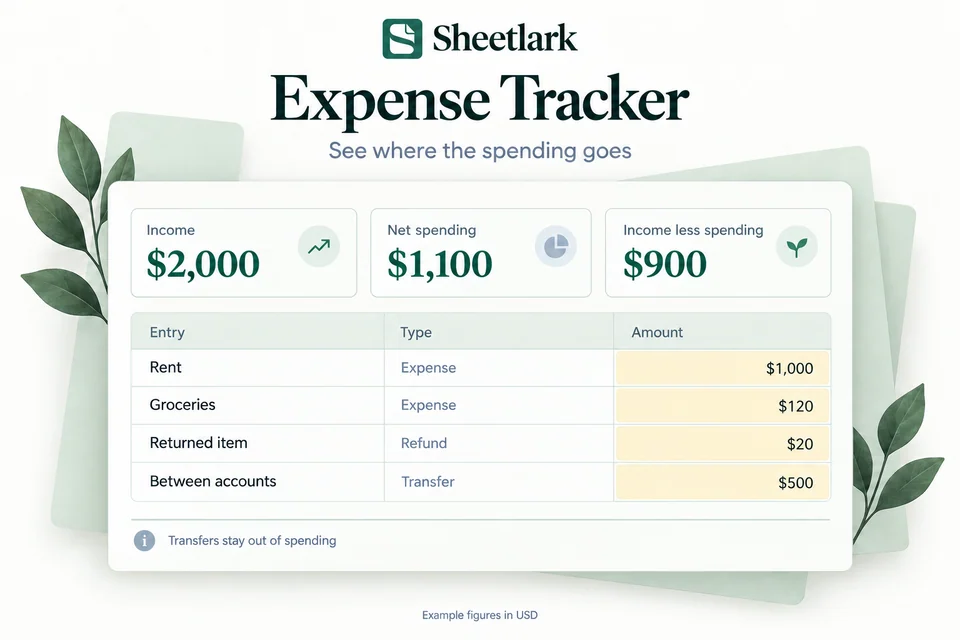
How to Track Expenses, Refunds and Transfers
Keep transaction types distinct and understand what counts toward net spending.
Read the guide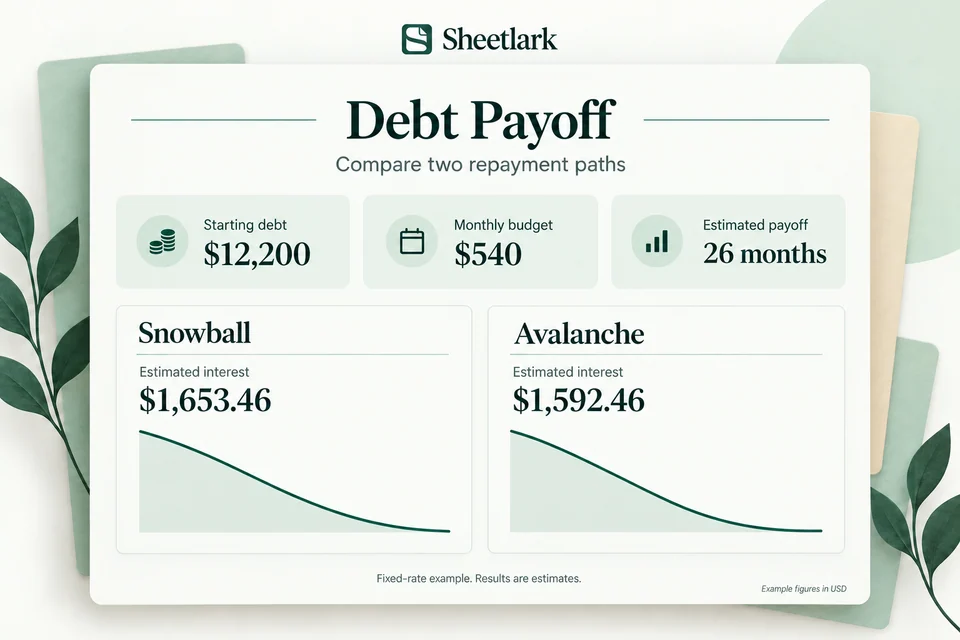
Compare Snowball and Avalanche in a Spreadsheet
Compare the same debts and monthly budget, then check the estimates and assumptions.
Read the guideBiweekly vs. Semimonthly Pay: Which Budget Template Fits?
Compare payday dates and choose a workbook that matches every-14-day pay or a monthly plan.
Read the guideMonthly Budget vs. Expense Tracker: Which Should You Use?
Compare planned spending with actual transactions, using the same example figures in two different views.
Read the guideReady to try a workbook?
Compare the four free templates, then make your own Google Sheets copy.